 dbn TM
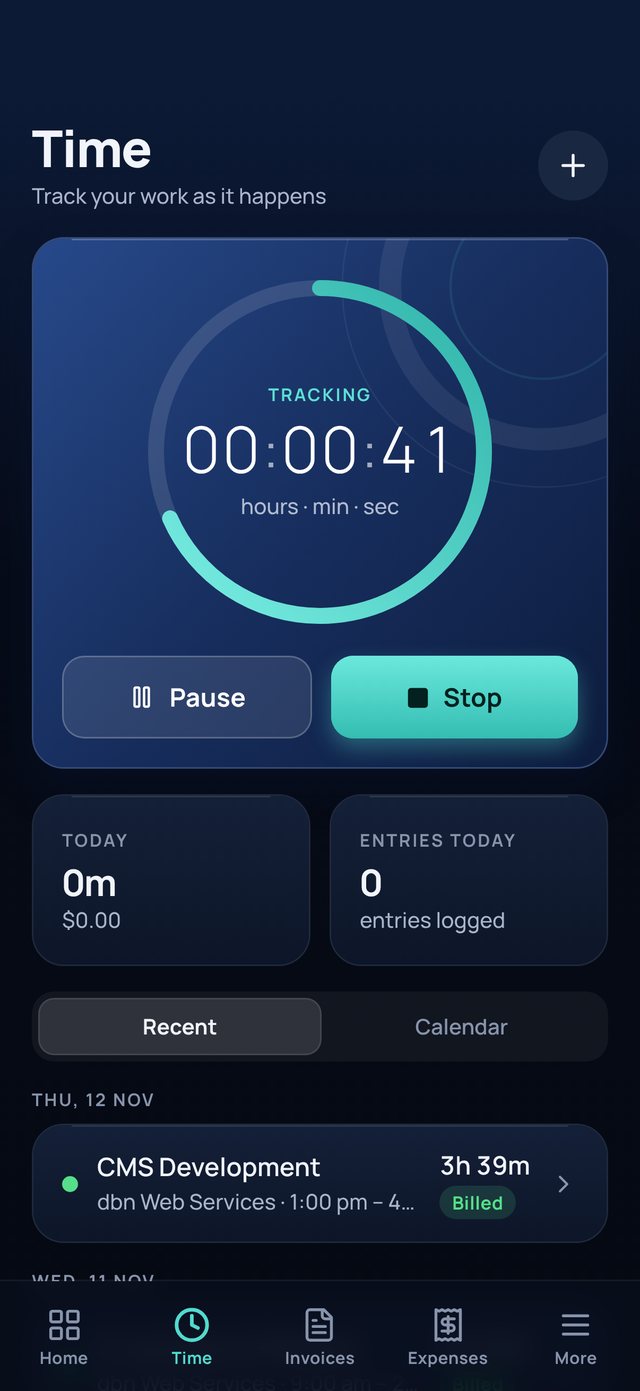
Track your time
Start, pause and stop with one tap, or add time later. The timer keeps running even if you close the app.
dbn TM turns the hours you work into professional tax invoices in seconds, and shows you what you have earned. Everything stays on your iPhone.
Free on the App Store. No account needed.
Built for people who bill by the hour: contractors, consultants, trades, security and creative professionals.
Start, pause and stop with one tap, or add time later. The timer keeps running even if you close the app.
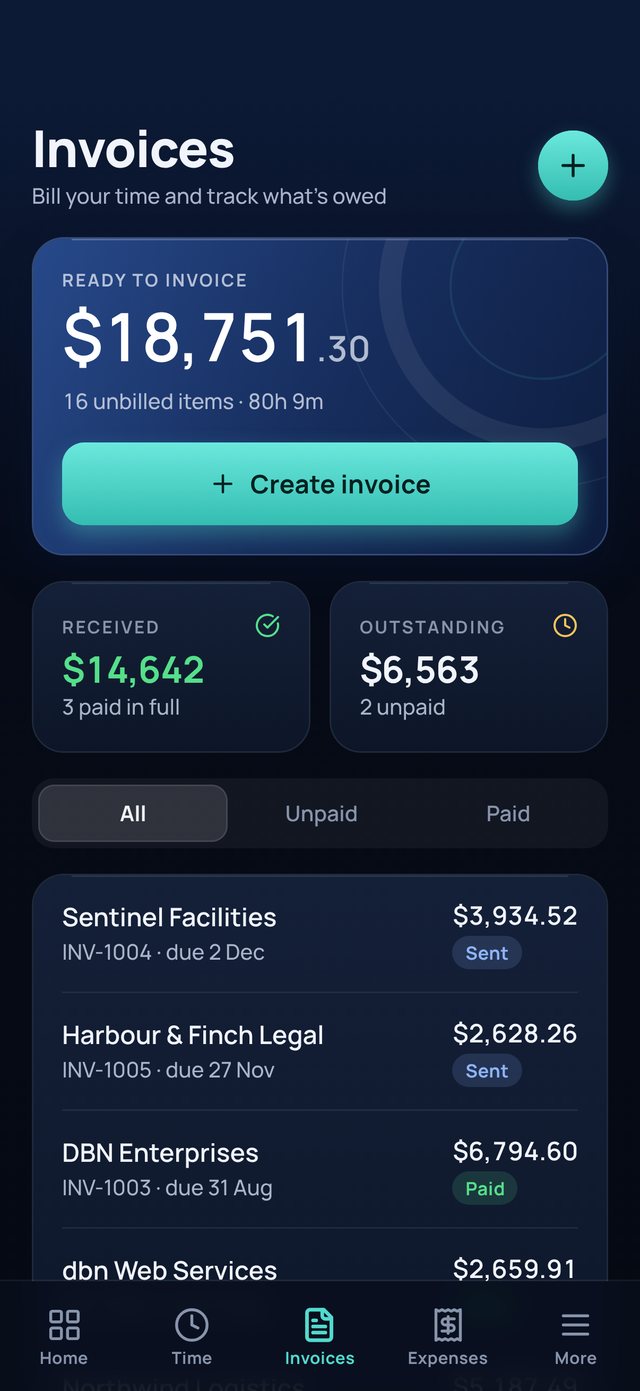
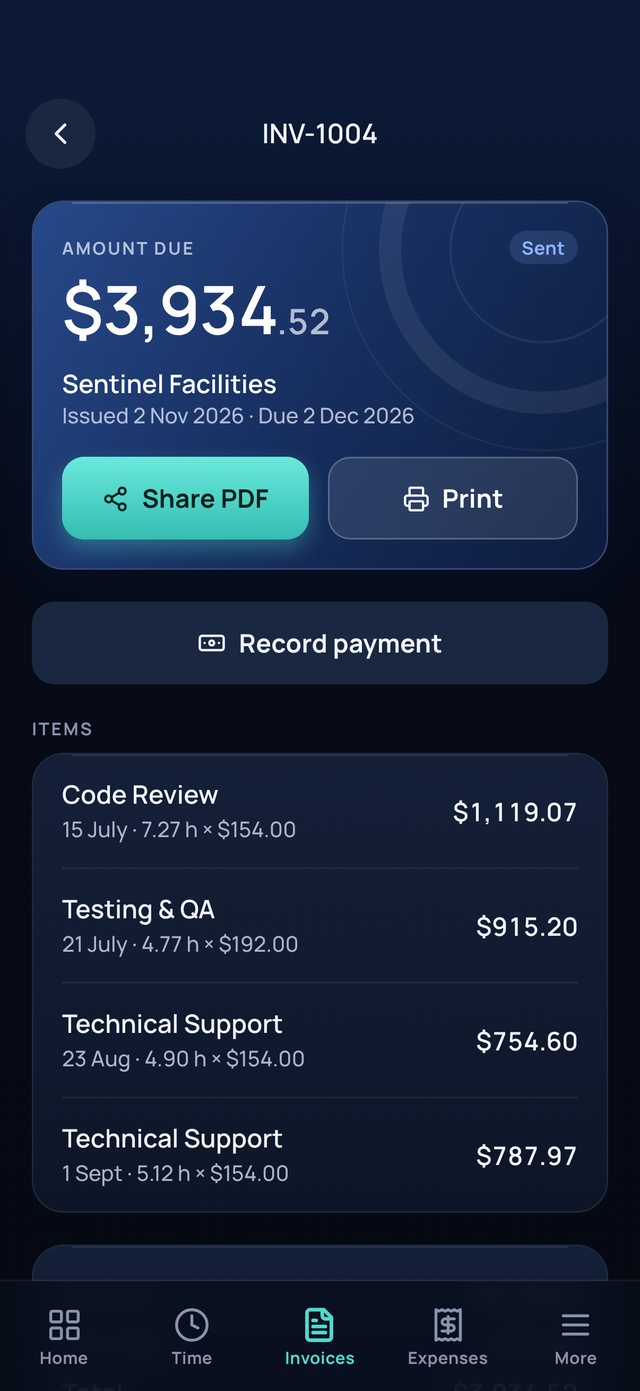
Pick a client and their unbilled work is ready to go. Tax invoices with your logo, ABN, GST and bank details, shared as a PDF.
Record part or full payments, and see at a glance which invoices are paid, part paid or overdue.
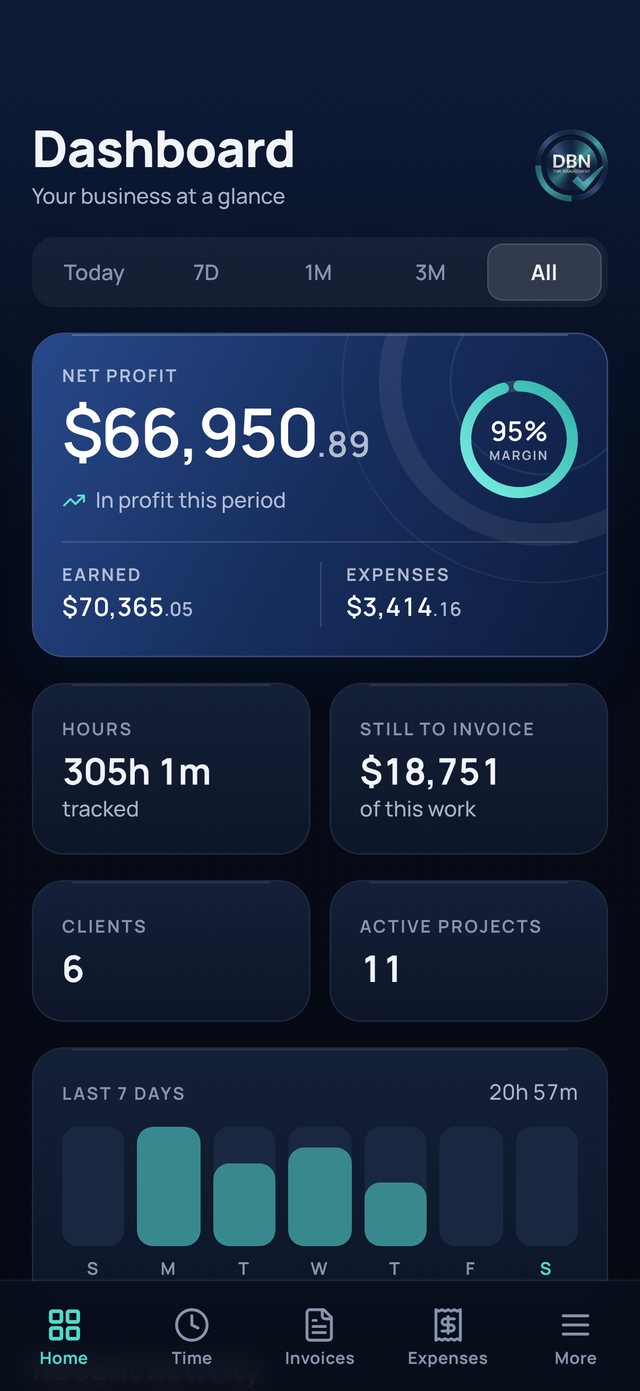
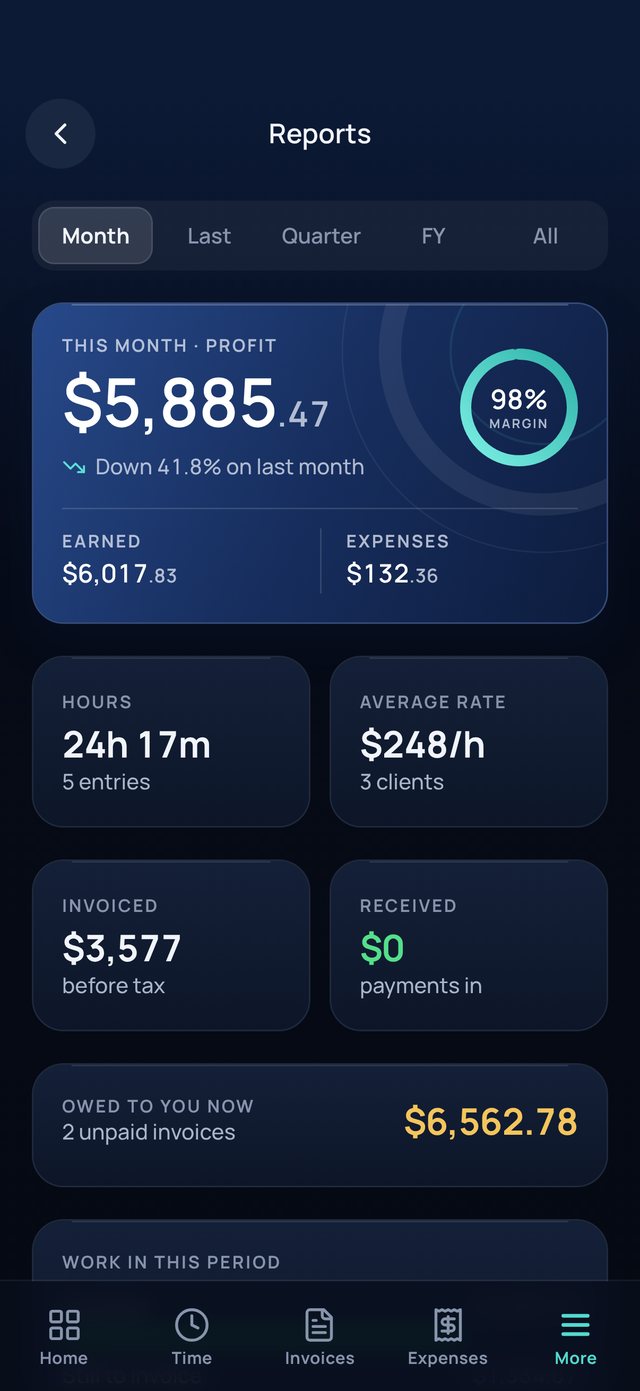
What you earned, spent and kept, for this month, the quarter or the financial year from 1 July.
Record expenses with a photo of the receipt, and pass costs on to a client's invoice.
Only you can open your records. Back up to a file in iCloud Drive whenever you like.
dbn TM has no accounts and no servers. Your clients, hours, invoices and receipts are stored only on your iPhone, and we never see them.
Read the privacy policydbn TM is free to download and use.
Yes. Add your ABN and set your tax to GST at 10% in the app, and every invoice is a tax invoice showing GST separately. If you are not registered for GST, leave the tax rate empty.
Only on your iPhone. Nothing is sent to us. Use More, then Data and backup, to save a backup file to iCloud Drive or email it to yourself.
Make a backup on your old phone, then on the new phone open Data and backup and choose Restore. Restoring the same backup twice never creates duplicates.
Yes. Set a default rate, then give each client, project or task its own rate. You can also change the rate on a single entry. Time can be rounded up to 6, 15 or 30 minutes.
dbn TM is made for iPhone. It can run on iPad in iPhone mode.
Questions, ideas or something not working? Email us and a real person will reply, usually within one business day.
support@dbntm.online